
Jabali Panel
A modern web hosting control panel for WordPress and general PHP hosting. Built with Laravel 12, Filament v5, Livewire 4, and Tailwind CSS v4.
Version: 0.9-rc15 (release candidate)
This is a release candidate. Expect rapid iteration and breaking changes until 1.0.
## Highlights
- Multi-tenant isolation with per-user Linux accounts and PHP-FPM pools
- Agent-driven automation for domains, SSL, mail, DNS, backups, and migrations
- cPanel and WHM migrations with detailed, step-by-step logs
- Built-in mail stack (Postfix, Dovecot, Rspamd) with webmail SSO
- DNS management with templates and optional DNSSEC
- Backups for users and servers with schedules, retention, and remote targets
- Security controls including firewall, Fail2ban, and ClamAV scanning
## Feature Map
### Admin Panel
- Server dashboard with stats, health, and recent activity
- User management with suspension and quota tracking
- Service manager for systemd services
- PHP version manager and PHP-FPM pool management
- DNS zones, templates, and DNSSEC management
- SSL issuance, renewal, and certificate inventory
- IP address management (default and per-domain assignments)
- Backups and restores (local + remote, schedules + retention)
- Migrations (cPanel restore and WHM downloads)
- Security center (firewall, Fail2ban, ClamAV, security scans)
- Audit logs and email notifications
### User Panel
- Domains and redirects with automatic Nginx config
- DNS records editor
- Mail domains, mailboxes, and forwarders
- Webmail SSO (Roundcube)
- WordPress manager (install, scan, updates, SSO)
- File manager plus SFTP/SSH key management
- Databases and user permissions
- PHP settings per account
- SSL certificates and renewals
- Cron jobs
- Backups and restore
- Logs and statistics
- Protected directories
### Platform
- Root-level agent for privileged operations
- Queue-backed jobs for long-running tasks
- Self-healing service monitor and alerts
- Redis ACL isolation for WordPress caching
- Multi-language UI
## Screenshots
Admin panel:
- Dashboard: 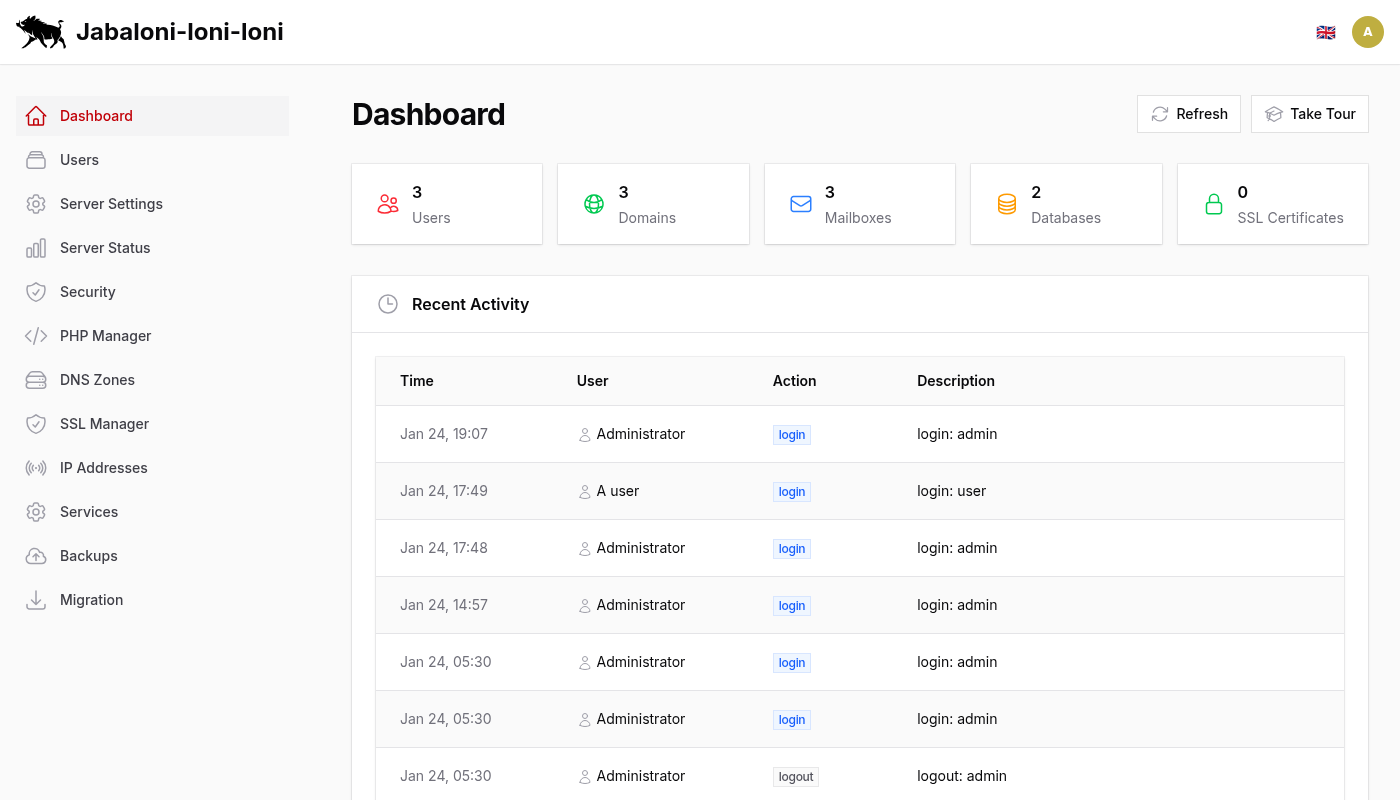
- Server Status: 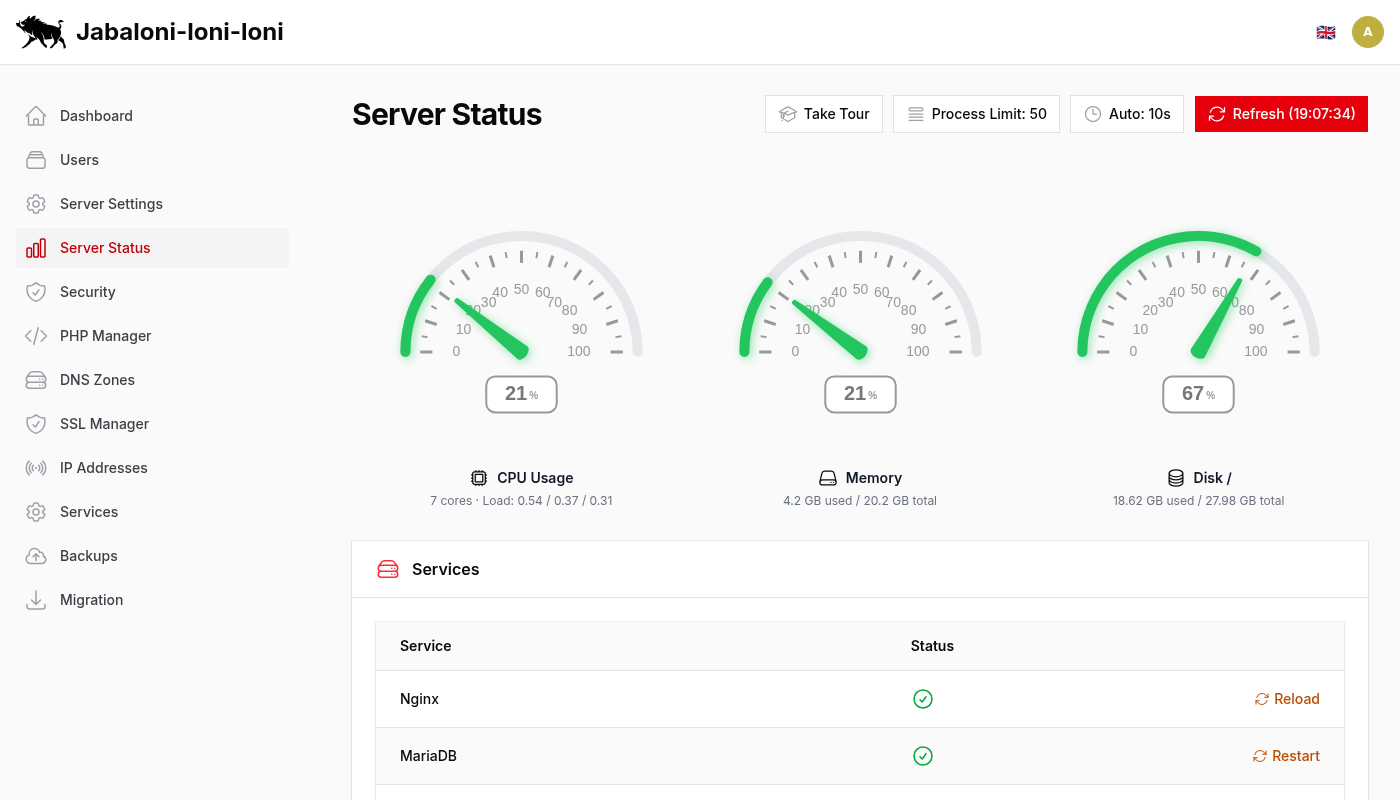
- Server Settings: 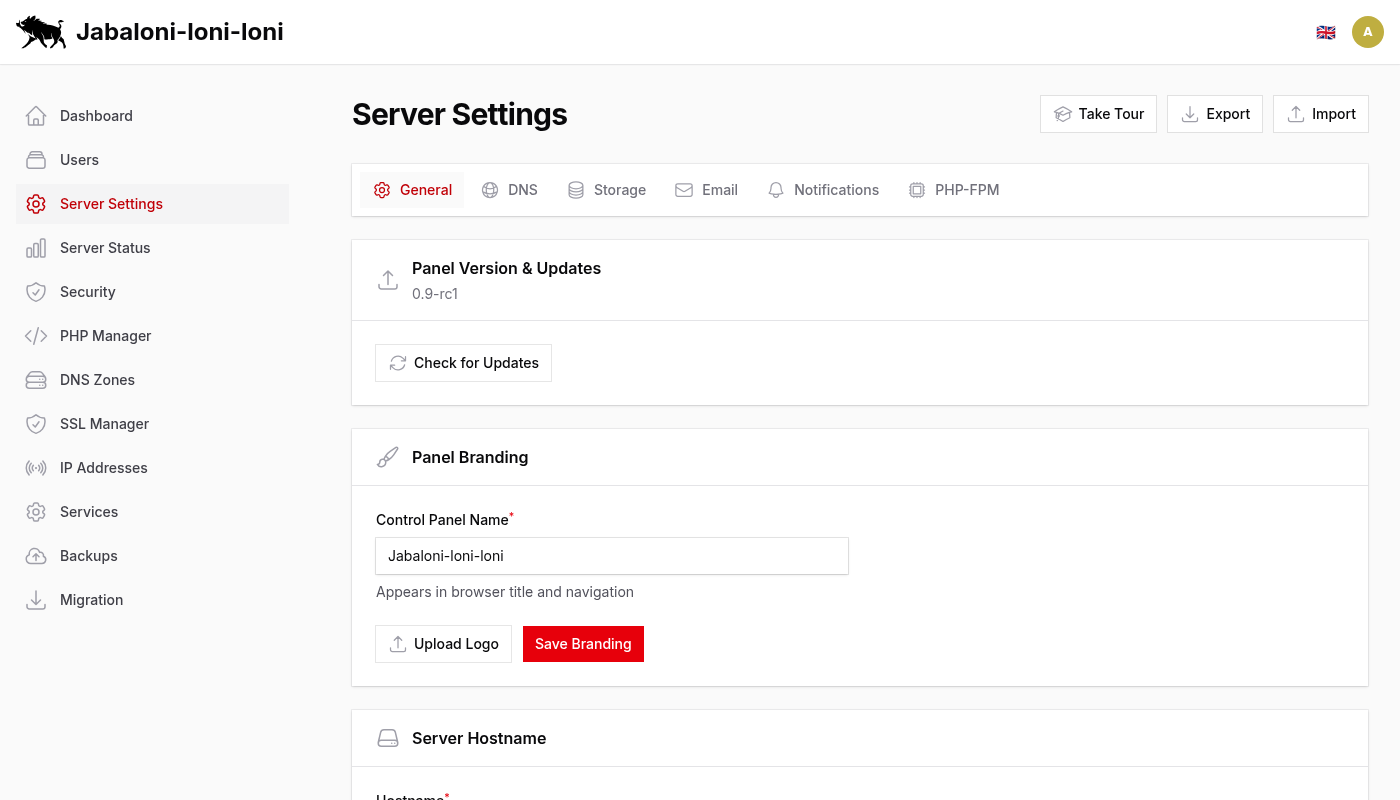
- Security Center: 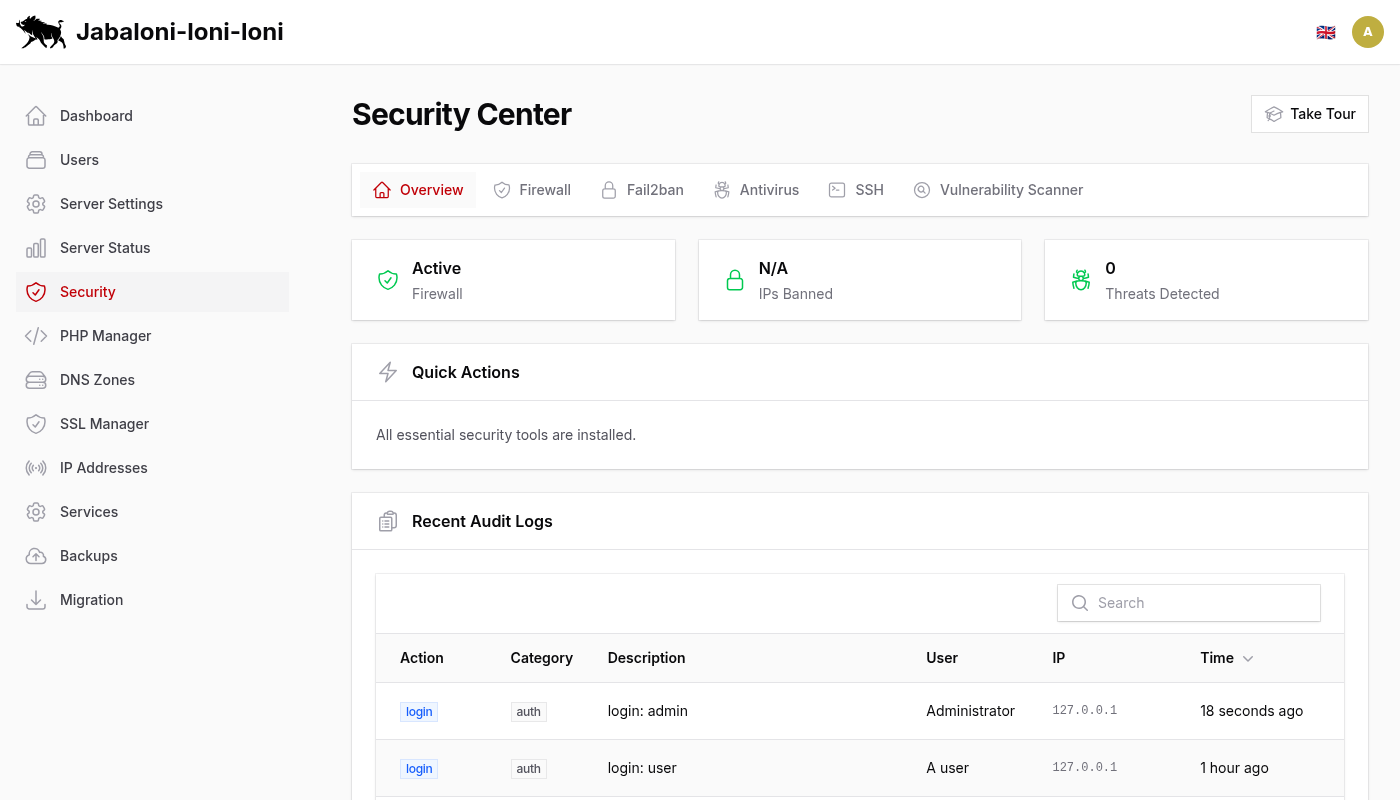
- Users: 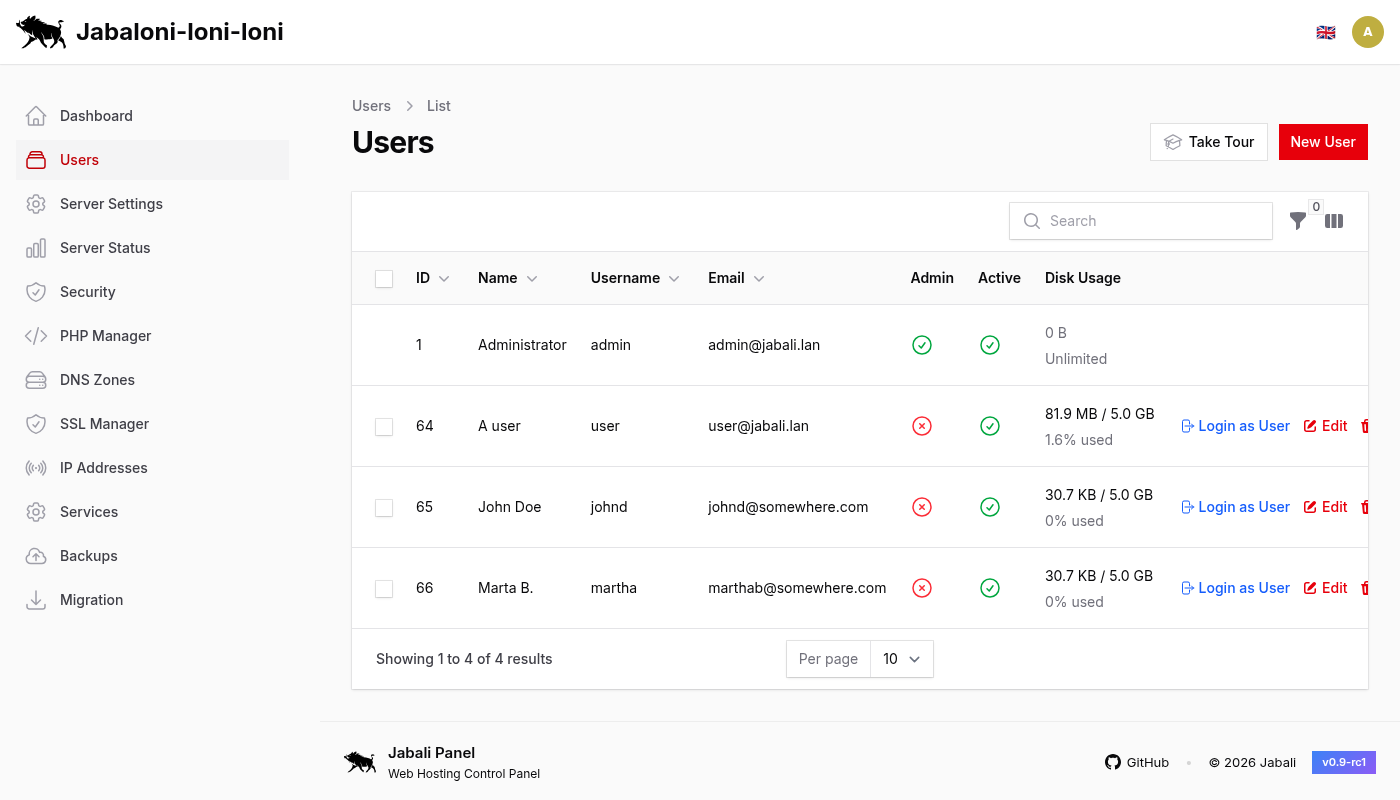
- SSL Manager: 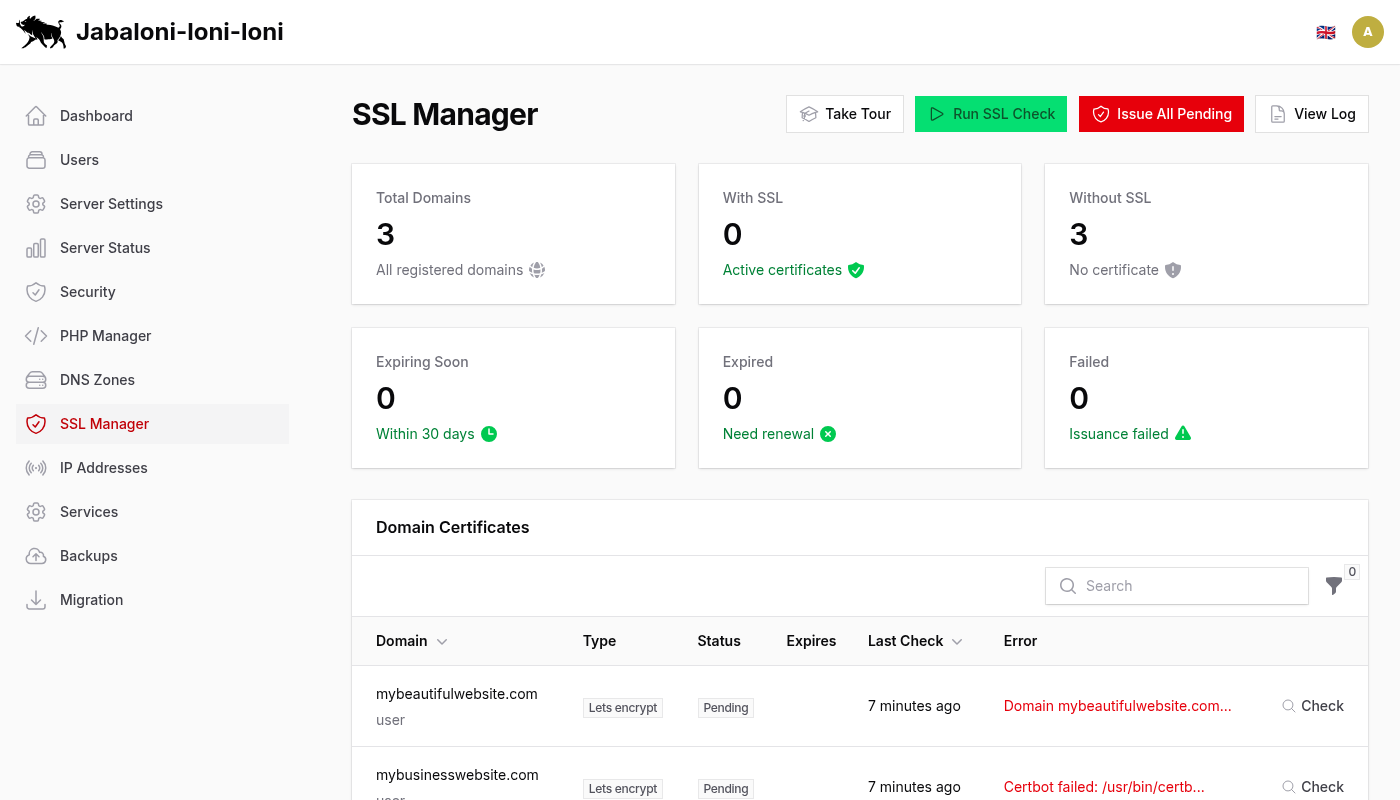
- DNS Zones: 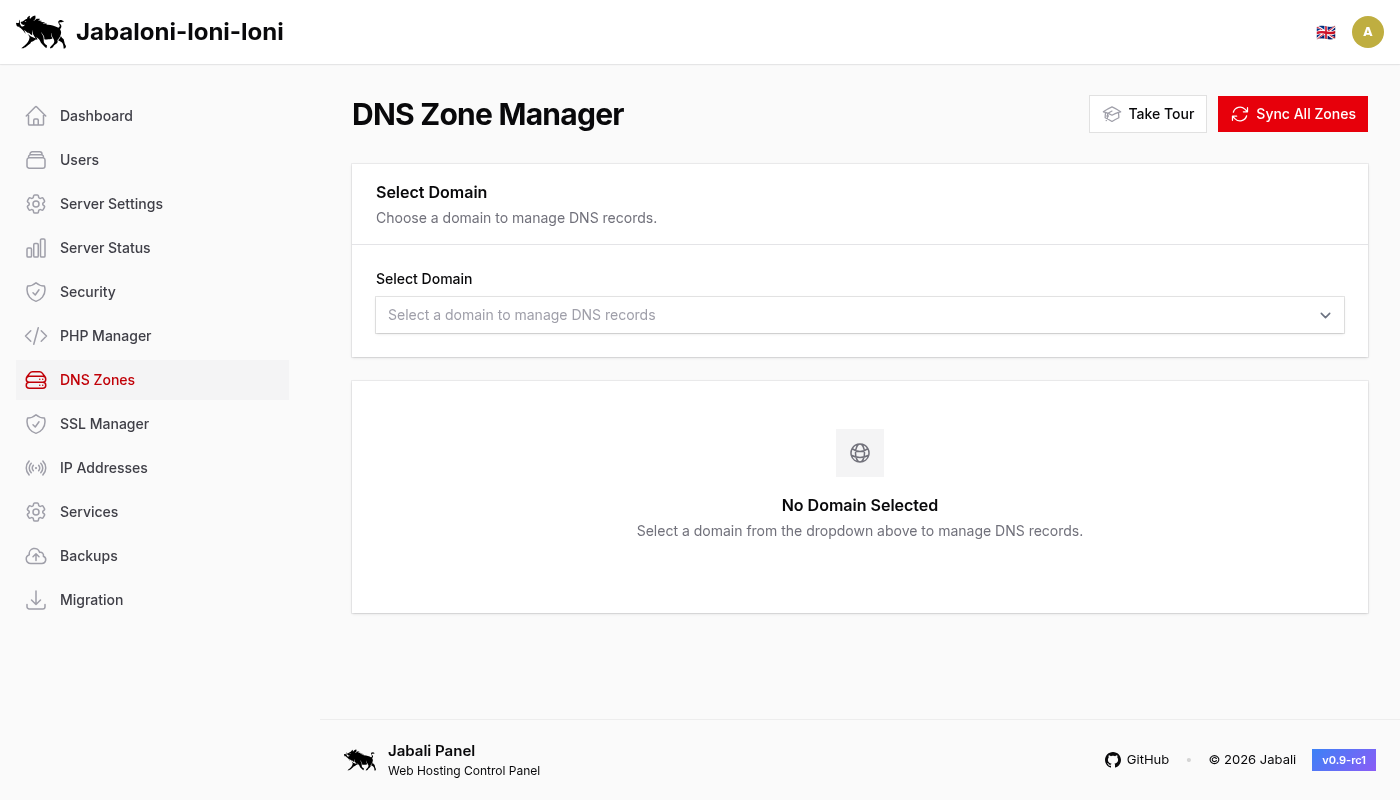
- Backups: 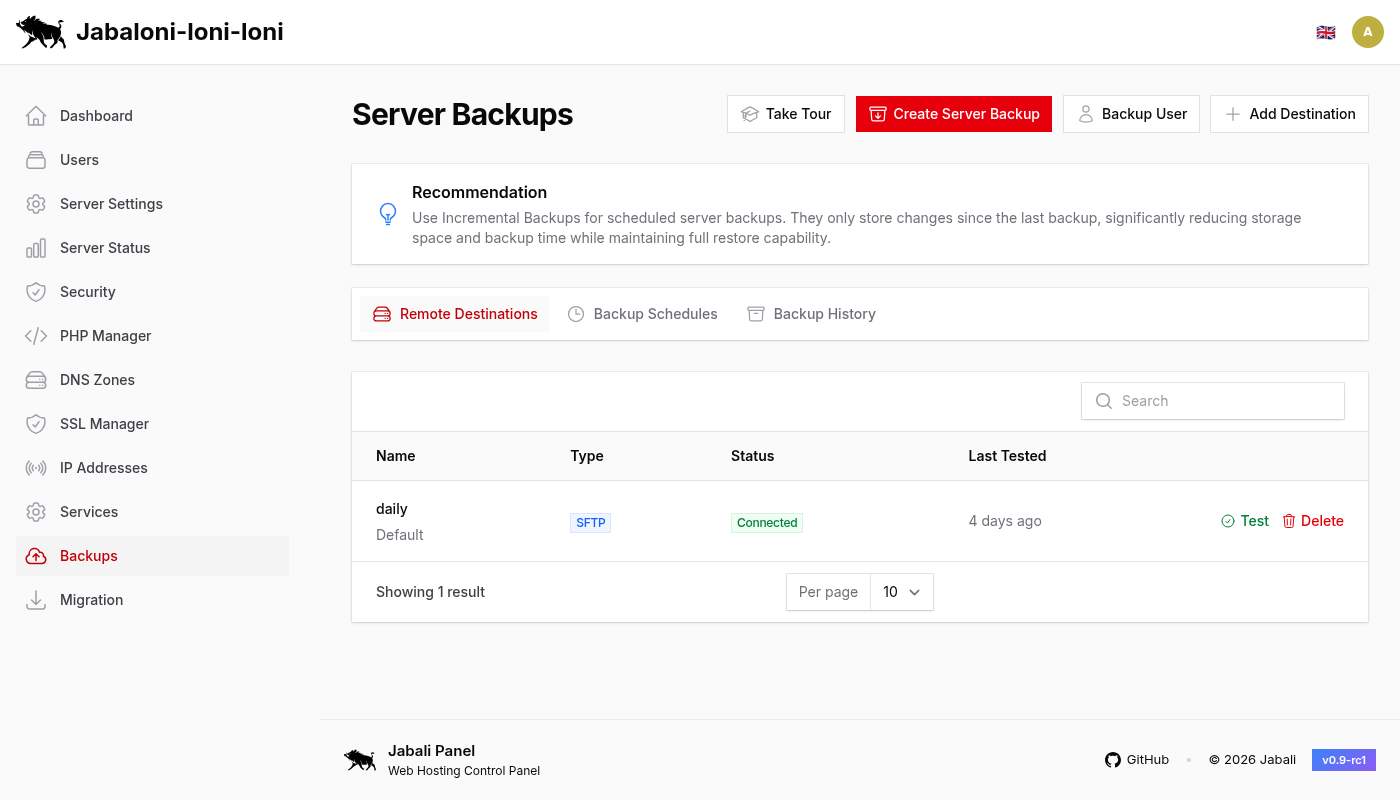
- Services: 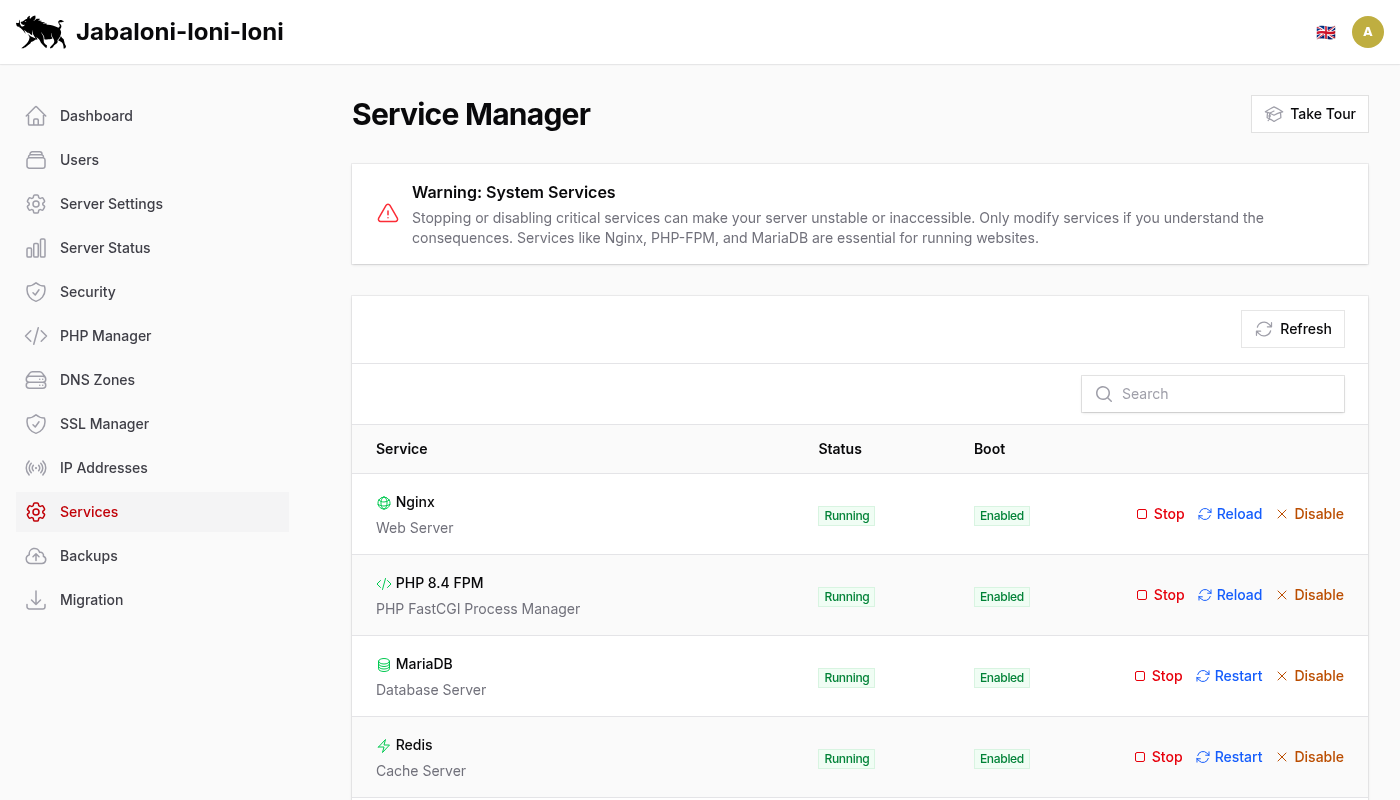
User panel and flows:
- User Dashboard: 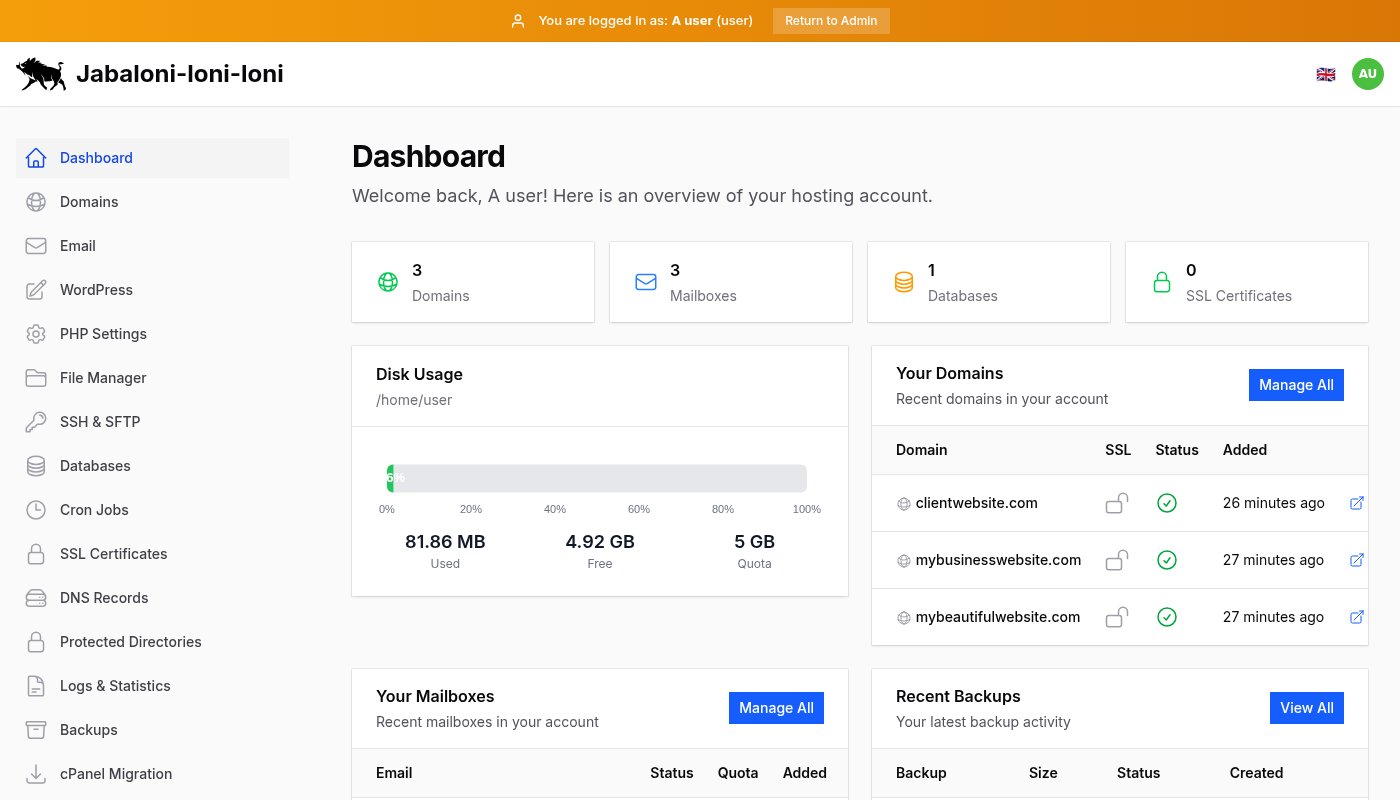
- Domain Management: 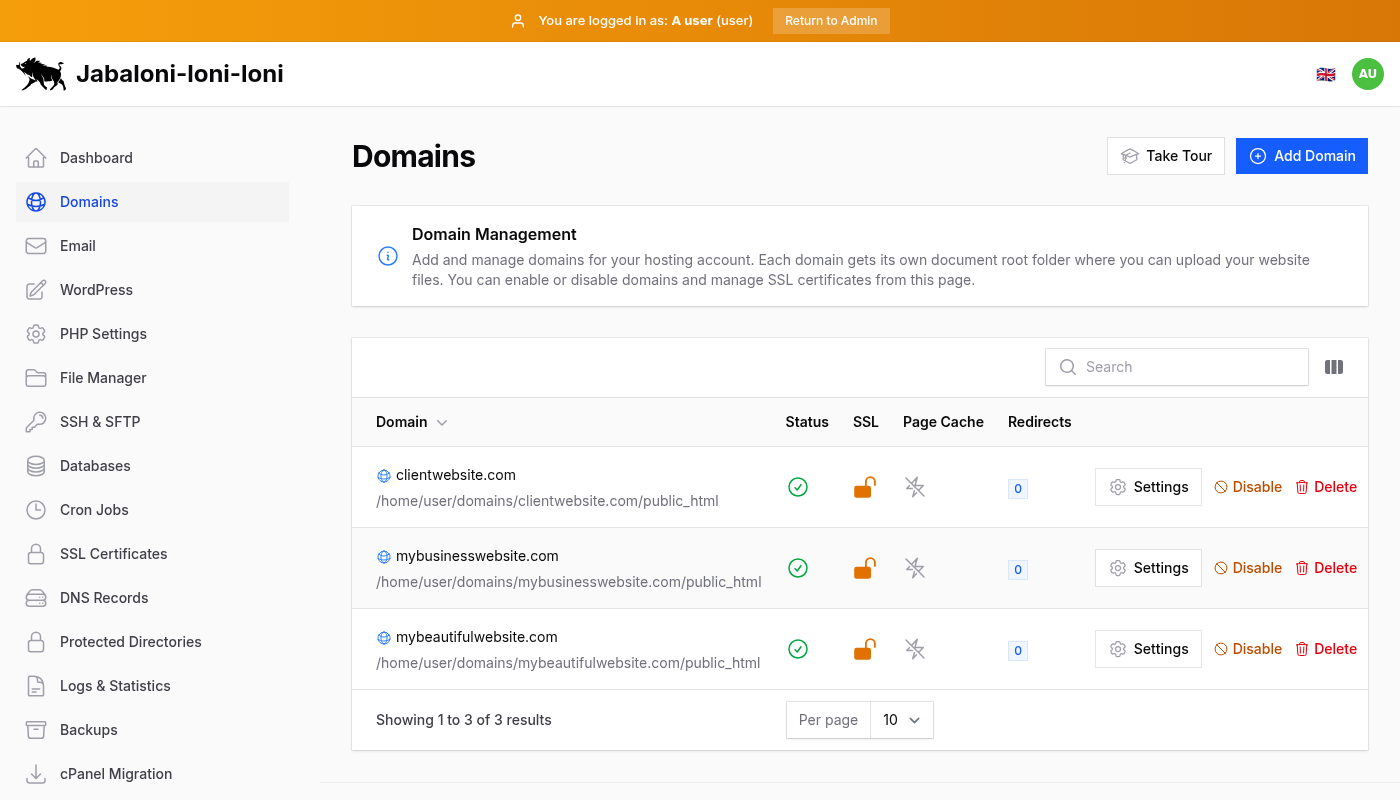
- Backups: 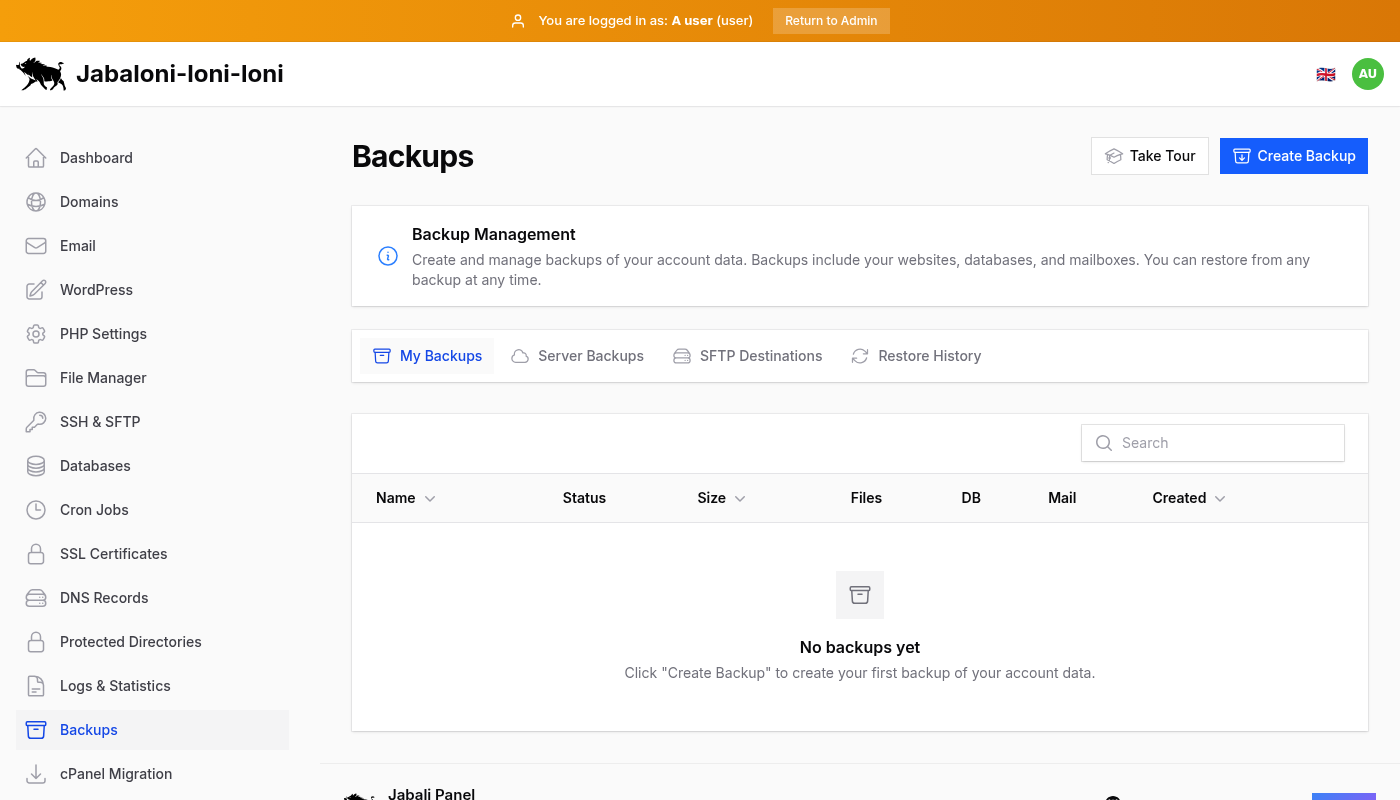
- cPanel Migration: 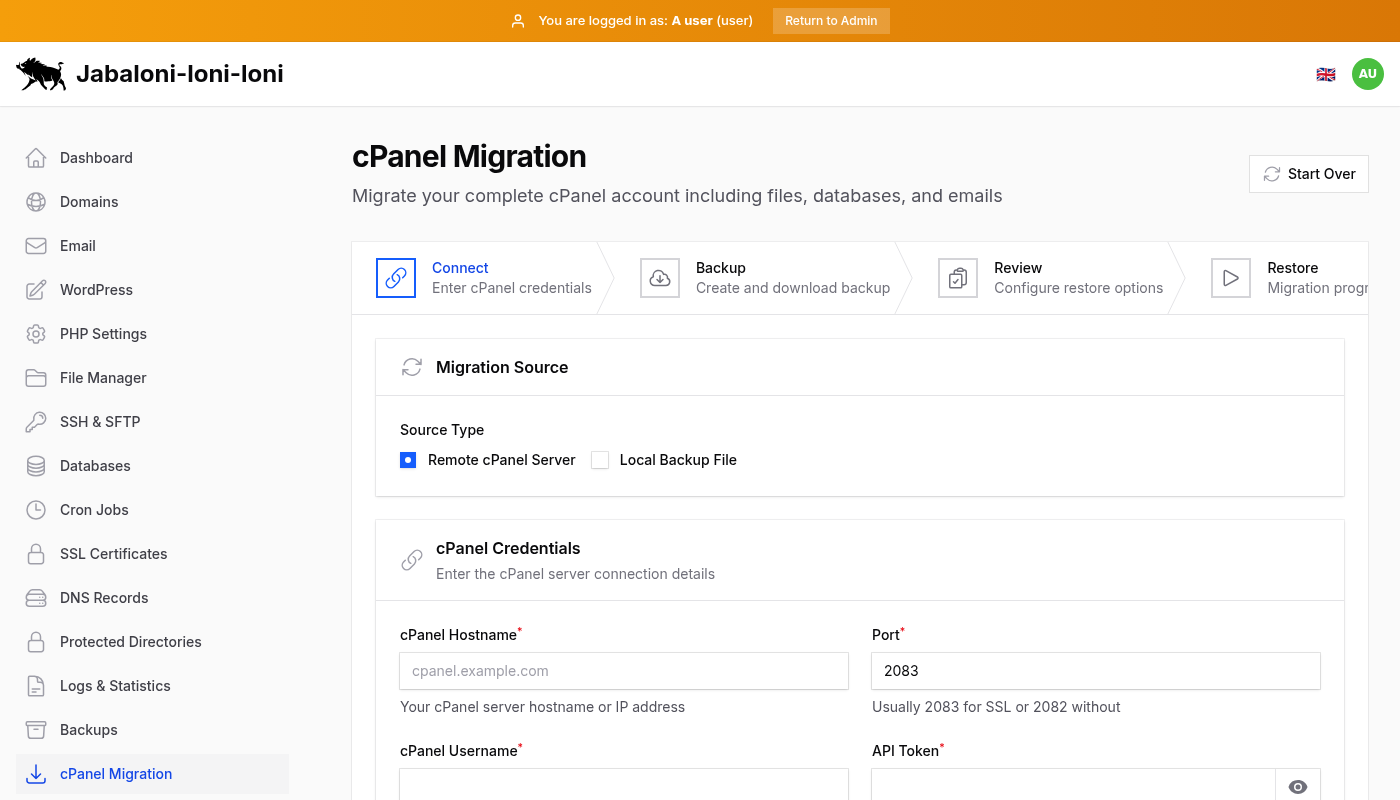
Regenerate screenshots with:
```
node tests/take-screenshots.cjs --output-dir=docs/screenshots
```
Optional overrides:
```
node tests/take-screenshots.cjs --output-dir=docs/screenshots --base-url=https://panel.example.com
```
## Architecture
- Control plane: Laravel app with Filament panels
- Data plane: root agent handling privileged operations
- Job queue: async tasks and migration steps
- Logging: agent and panel logs for troubleshooting
Service stack (single-node default):
- Nginx + PHP-FPM
- MariaDB (user databases)
- SQLite (panel metadata by default)
- Postfix, Dovecot, Rspamd
- BIND9 (DNS)
- Redis
- Fail2ban and ClamAV (optional)
## Requirements
- Fresh Debian 12 or 13 install (no pre-existing web or mail stack)
- A domain for panel and mail (with glue records if hosting DNS)
- PTR (reverse DNS) for mail hostname
- Open ports: 22, 80, 443, 25, 465, 587, 993, 995, 53
## Installation
Quick install:
```
curl -fsSL https://raw.githubusercontent.com/shukiv/jabali-panel/main/install.sh | sudo bash
```
Optional flags:
- `JABALI_MINIMAL=1` for core-only install
- `JABALI_FULL=1` to force all optional components
After install:
- Admin panel: `https://your-host/jabali-admin`
- User panel: `https://your-host/jabali-panel`
- Webmail: `https://your-host/webmail`
## Upgrades
```
cd /var/www/jabali
php artisan jabali:upgrade
```
Check for updates only:
```
php artisan jabali:upgrade --check
```
## CLI
```
jabali --help
jabali backup create
jabali backup restore --user=
jabali cpanel analyze
jabali cpanel restore
```
## Development
```
composer dev
php artisan test --compact
./vendor/bin/pint
```
## Initial Release
- 0.9-rc: initial release candidate with core hosting, mail, DNS, SSL, backups, and migrations.
## License
MIT